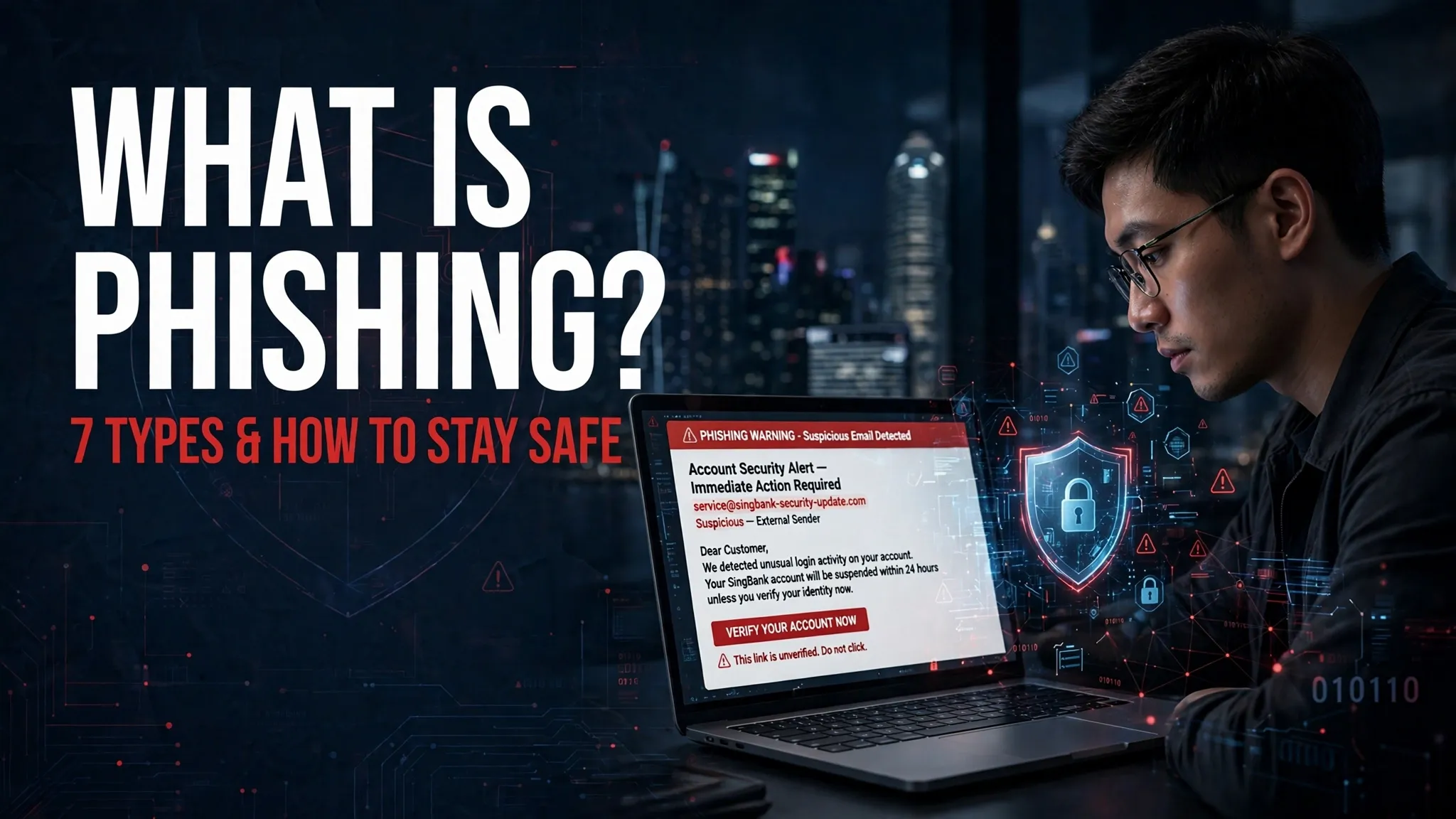
What Is Phishing? Types, Examples, Warning Signs & Prevention in Singapore (2026)
Phishing is an online scam in which cybercriminals pretend to be trusted organisations or people to steal personal information. They may send fake emails, SMS messages, make phone calls or create websites that look like genuine banking or government services. Their aim is often to collect passwords, one-time passwords (OTPs), banking credentials or card details. In Singapore, phishing scams may involve fake Singpass alerts, bank security messages and SingPost delivery notifications. Knowing how these phishing attacks work can help you spot warning signs, protect your accounts and report suspicious activity.
TL;DR – What Is Phishing?
Phishing is a cyberattack in which scammers use fake emails, SMS messages, phone calls or websites to trick people into sharing sensitive information. In Singapore, these scams may impersonate banks, Singpass or government agencies. Always verify suspicious messages, avoid unknown links and never share your OTP or banking credentials.
What Is a Phishing Attack?
A phishing attack is a form of cybercrime that uses deception to make someone reveal private information or take an unsafe action. Scammers often pretend to represent a trusted organisation, such as a bank, government agency, delivery company or online service.
This technique is known as social engineering. Instead of breaking into an account directly, criminals manipulate people into giving them access. They might create a fake login page, send a malicious link or call someone while pretending to be a bank officer.
Once scammers obtain login details, card information or OTPs, they may attempt to access accounts, make unauthorised transactions or misuse the victim’s identity. A message can look convincing, but that doesn’t make it genuine.
How Does Phishing Work?
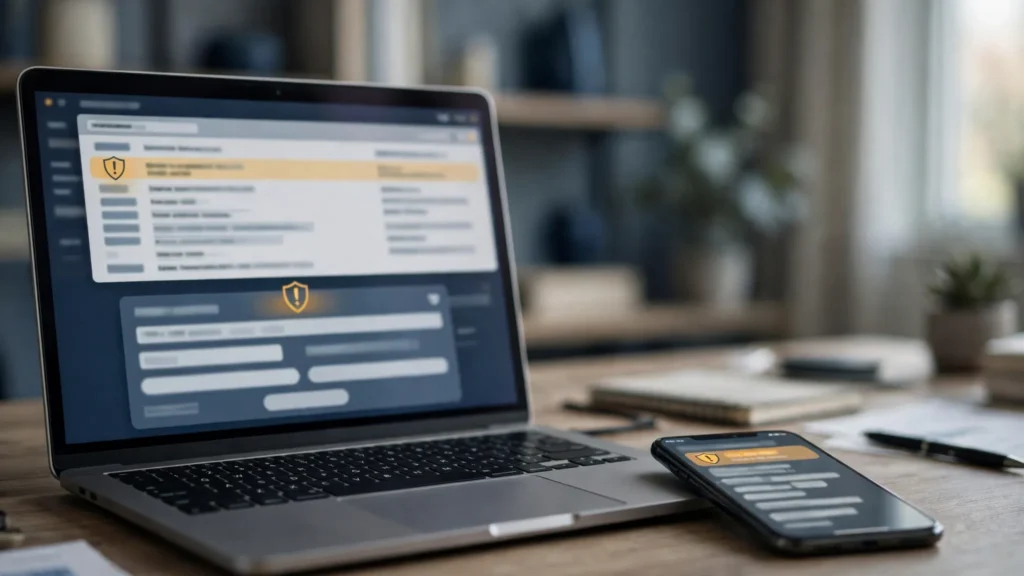
Phishing usually follows a series of steps. The scammer first creates a believable reason for contacting someone, then tries to collect information or money.
| Step | How it works |
|---|---|
| 1. Fake message | A scammer sends a fraudulent email or SMS. |
| 2. Impersonation | The message appears to come from a bank, delivery company or government agency. |
| 3. Malicious link | The recipient is encouraged to click a link or scan a QR code. |
| 4. Information theft | A fake website collects login details, card information or OTPs. |
| 5. Misuse | Stolen details may be used for account access or financial fraud. |
Singapore example: Imagine receiving an SMS claiming that your bank account has suspicious activity. It asks you to verify your account through a link. The link opens a page that looks like your bank’s website and requests your login details and OTP. If you enter them, the scammer may use that information to attempt unauthorised access.
What Are the Different Types of Phishing?
Phishing attacks come in different forms. Some target large groups of people, while others are designed for a particular person or organisation.
| Type | Meaning | Example |
|---|---|---|
| Email phishing | Fake emails sent to collect private information | A false bank security alert |
| Spear phishing | A targeted message designed for a specific person | An email pretending to be from a colleague |
| Whaling | Phishing aimed at senior executives or company leaders | A fake executive payment request |
| Smishing | Phishing carried out through SMS | A fake parcel delivery notification |
| Vishing | Scams conducted through voice calls | Someone pretending to be a bank officer |
| Clone phishing | A genuine message is copied but its link or attachment is replaced | A copied account notification with a malicious link |
| QR code phishing | A harmful QR code directs users to a fraudulent website | A fake payment or account-verification QR code |
In Singapore, smishing messages may pretend to come from SingPost or a bank. Other attempts may impersonate government services. A QR code can also lead to a fake payment page, so check where it directs you before entering any details.
Common Phishing Scams in Singapore
Phishing scams in Singapore often use familiar organisations and everyday services to gain people’s trust. The following are common examples of the tactics scammers may use; they are illustrative scenarios, not claims about a particular current incident.
- Singpass phishing scams: A fake message may claim that your Singpass account needs verification or will be suspended. It then asks you to follow a login link or provide your credentials. Singpass does not send web links or QR codes through SMS or messaging apps asking users to log in.
- Singapore bank phishing scams: A message may claim that an unusual transaction has taken place and ask you to verify your banking details through a fake login page.
- SingPost phishing messages: A fraudulent delivery notification may claim that a parcel is delayed and request a small extra payment or personal information.
- Fake government SMS: Scammers may impersonate agencies such as IRAS or CPF Board and send false tax, benefit or account notifications.
- Social media phishing: Fake advertisements or shopping pages may offer attractive deals and collect payment or card details.
For government SMS messages, check the official gov.sg Sender ID and the message details.
What Are the Warning Signs of Phishing?
A phishing message may look genuine at first. Look for these warning signs before clicking a link, opening an attachment or sharing information.
| Warning sign | What to look for |
|---|---|
| Unknown sender | An unfamiliar email address or phone number |
| Urgent language | Threats, account suspension warnings or demands for immediate action |
| Suspicious URL | An unusual, misspelled or unfamiliar website domain |
| Unexpected attachment | Files you were not expecting to receive |
| OTP requests | Someone asking you to share an authentication code |
| Fake identity | A sender pretending to represent a bank or government agency |
Singapore-specific checks: Government SMS messages use the lowercase gov.sg Sender ID, include the name of the agency or service and end with the standard government message footer. Be careful with messages that imitate this format. Also, don’t trust an unexpected Singpass login link. Open the official app or website yourself to check your account. sms.gov.sg+3
How to Prevent Phishing Attacks in Singapore
A few careful habits can reduce the risk of falling for phishing attacks. Use these steps when dealing with unexpected messages, calls or online requests.
| Protection method | Why it matters |
|---|---|
| Verify the sender | Helps you spot someone impersonating a trusted organisation |
| Avoid suspicious links | Reduces the chance of visiting fake websites |
| Enable MFA | Adds another layer of account protection |
| Protect OTPs | Stops others from using your authentication codes |
| Update devices | Helps fix known security weaknesses |
| Use ScamShield | Helps check suspicious calls, messages and websites |
You can also take these precautions:
- Open bank and government websites manually instead of following links in unexpected messages.
- Never enter banking details on a website you reached through an unverified link.
- Check the destination before scanning an unfamiliar QR code.
- Never share your Singpass password, banking credentials or OTP with another person.
- Check suspicious messages with the ScamShield app or call its helpline at 1799.
ScamShield provides tools to check suspicious messages, calls and websites, as well as options for reporting suspected scams. National Crime Prevention Council+2
What Should You Do If You Fall for a Phishing Scam?
If you have clicked a phishing link or shared sensitive details, act quickly. Don’t wait to see whether money disappears from your account.
- Change your password: Update any password you entered on the suspicious website. Change it on other accounts too if you reused it.
- Contact your bank: If you shared banking or card details, contact your bank through its official hotline or app.
- Check transactions: Look for unfamiliar payments and report unauthorised transactions to your bank immediately.
- Secure Singpass: If your Singpass details may have been exposed, contact the official Singpass support channel.
- Report the message: Use the relevant reporting options for suspicious SMS messages, calls or online accounts.
- Get assistance: Call the ScamShield Helpline at 1799, available 24 hours a day, if you need help checking a suspected scam.
- Make a police report: Report the incident to the Singapore Police Force, especially if money has been lost or your accounts have been misused.
If you downloaded an unknown file, avoid opening it again and check your device for suspicious activity. Scams+3
Phishing vs Spam vs Spoofing
Phishing, spam and spoofing are related terms, but they describe different things.
| Term | Meaning |
|---|---|
| Phishing | Tricks people into revealing sensitive information or taking an unsafe action |
| Spam | Unwanted messages sent in bulk |
| Spoofing | Faking a sender’s identity or communication source |
For example, an unwanted promotional email may be spam without being phishing. A scammer may use email spoofing to make a fraudulent message appear to come from a bank. If the message then tricks someone into sharing their password, it becomes part of a phishing attempt.
Frequently Asked Questions About Phishing
1. What is phishing in simple words?
Phishing is a scam where someone pretends to be trustworthy to trick you into sharing private information, such as passwords, OTPs or banking details.
2. What are the most common phishing scams in Singapore?
Common examples include fake bank alerts, Singpass impersonation messages, fraudulent SingPost delivery notifications and fake government-related messages.
3. Can scammers steal money through phishing links?
Yes. A fake website may collect banking details or OTPs, which scammers can try to use for unauthorised transactions.
4. How do I report a phishing message in Singapore?
You can report suspicious messages through the relevant reporting channels and use the ScamShield app. Call 1799 if you need help checking a suspected scam.
5. Does Singpass send login links through SMS?
No. Singpass does not send web links or QR codes through SMS or messaging apps asking users to log in with their credentials.
Stay Safe from Phishing Scams
Phishing scams rely on trust, urgency and convincing fake messages. Check unexpected requests carefully, protect your passwords and OTPs, and use official channels to verify account alerts. If something seems suspicious, pause and check before responding.

Global Arena is a Singapore-focused SEO and digital marketing brand with a network of 25+ publisher websites, helping businesses strengthen their online presence through guest posting, link building, content marketing, and digital PR.
For collaborations, publishing opportunities, or business inquiries:
Hamza@globalarena.org | WhatsApp: +971 52 399 4589