Best Office Computers Singapore: 10 Smart Choices for Every Workplace
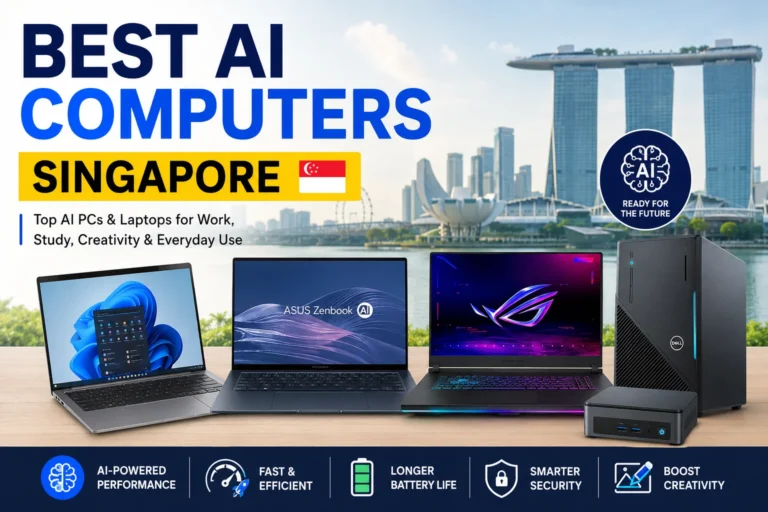
Running a business today means depending on reliable technology every single day. A slow computer might seem like a small issue at first, but over time it affects productivity, customer service, and even employee morale. That’s why many businesses are paying more attention to choosing the Best Office Computers Singapore instead of simply buying the cheapest model available.
Every office has different needs. Some employees spend the day using Microsoft Office, emails, and web applications. Others work with accounting software, graphic design tools, video meetings, or large spreadsheets. The good news? There are plenty of excellent office computers available that fit different budgets and business sizes.
This guide covers the Best Office Computers Singapore, what features actually matter, and how to choose a system that keeps your team productive for years—not just months.
Why Choosing the Right Office Computer Matters
A business computer isn’t just another piece of hardware. It’s the workstation your employees rely on every day.
The Best Office Computers Singapore are built for reliability, speed, energy efficiency, and long-term performance. They help businesses reduce downtime while making daily work smoother.
Some of the biggest benefits include:
- Faster startup times
- Better multitasking
- Improved security
- Lower maintenance costs
- Longer hardware lifespan
- Better compatibility with modern business software
Even small improvements can save hundreds of working hours over an entire year.
Features to Look For
Before comparing different models, it’s helpful to understand what specifications actually matter.
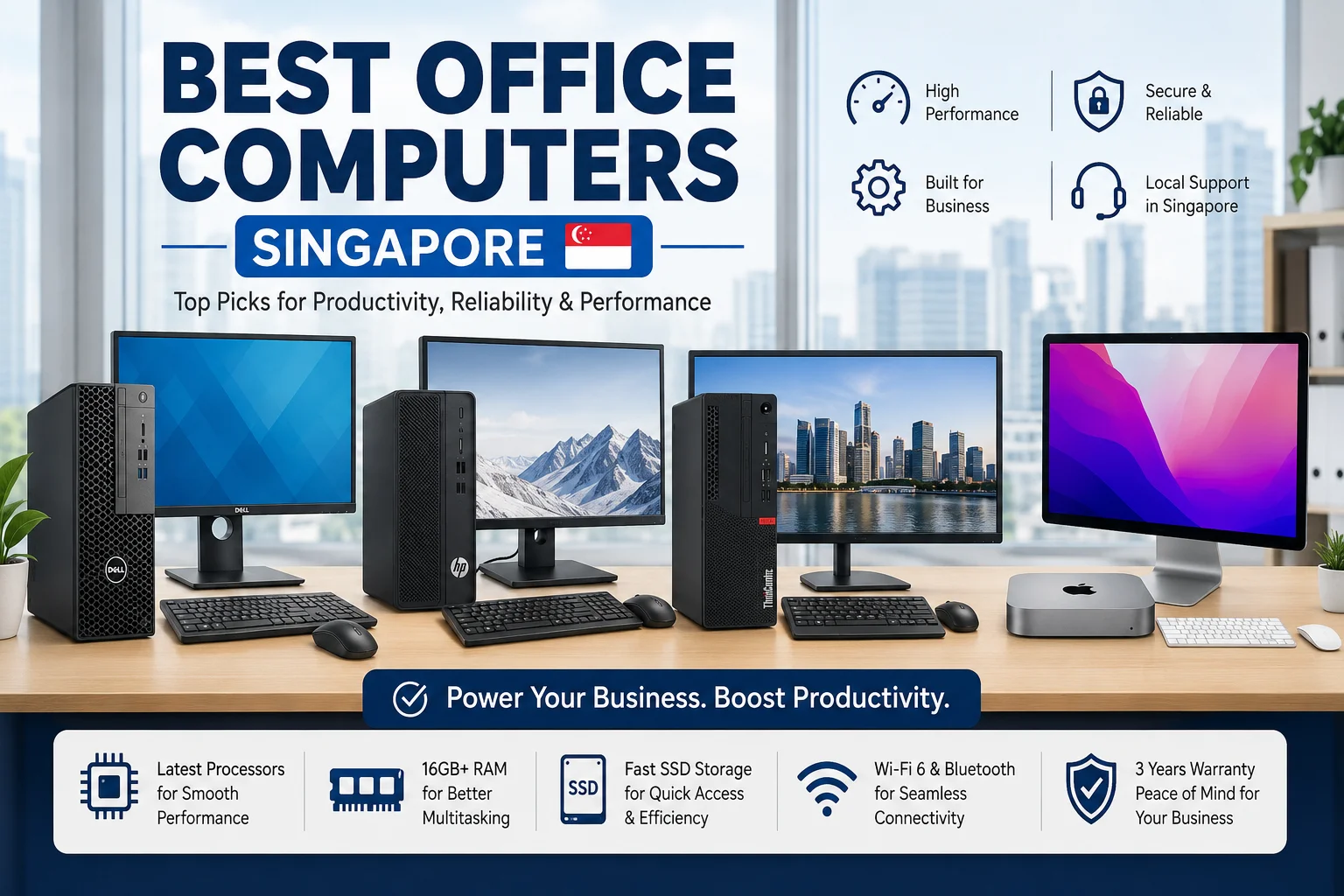
| Feature | Recommended Specification |
|---|---|
| Processor | Intel Core i5 / AMD Ryzen 5 or higher |
| RAM | 16GB preferred |
| Storage | 512GB SSD minimum |
| Operating System | Windows 11 Pro |
| Connectivity | Wi-Fi 6, Bluetooth, Gigabit Ethernet |
| Warranty | 3 Years Business Warranty |
These specifications work well for most businesses looking for the Best Office Computers Singapore.
Best Office Computers Singapore for Businesses
1. Dell OptiPlex Series
Dell OptiPlex desktops have become a popular choice among Singapore businesses.
They’re reliable, compact, and easy to upgrade later. Many companies appreciate Dell’s excellent after-sales support and business warranties.
Best for:
- SMEs
- Corporate offices
- Accounting firms
- Customer service teams
2. HP ProDesk Series
HP ProDesk computers are designed specifically for business environments.
Performance is smooth, security features are strong, and the compact design saves desk space.
Many IT departments recommend them when businesses need dependable office desktops.
3. Lenovo ThinkCentre
Lenovo has built an excellent reputation for business hardware.
ThinkCentre desktops combine durability with strong processing power, making them one of the Best Office Computers Singapore for growing companies.
They also consume less electricity compared to older desktop systems.
4. Apple Mac Mini
Not every office needs Windows.
Creative agencies, media companies, and marketing teams often prefer Mac Mini because of its speed, quiet operation, and excellent performance.
It’s surprisingly compact while delivering impressive power.
5. ASUS ExpertCenter
ASUS continues gaining popularity in Singapore’s business market.
ExpertCenter desktops offer modern processors, reliable SSD storage, and excellent security options.
For businesses wanting value without sacrificing quality, they’re worth considering.
6. Acer Veriton
Acer Veriton desktops are affordable yet dependable.
They work well for:
- Schools
- Clinics
- Small offices
- Retail businesses
The lower price doesn’t necessarily mean lower productivity.
7. MSI Business Desktop
MSI isn’t only known for gaming.
Their business desktop lineup offers powerful processors, modern cooling systems, and sleek designs suitable for professional environments.
Many startups now consider MSI among the Best Office Computers Singapore.
8. Intel NUC Mini PC
Need to save office space?
Intel NUC systems are incredibly small but surprisingly capable.
Perfect for reception counters, meeting rooms, kiosks, and shared workstations.
9. Fujitsu Business Desktop
Fujitsu remains trusted by many government agencies and enterprises.
These computers emphasize reliability and long-term stability rather than flashy features.
That’s exactly what many businesses need.
10. Custom Office PC
Sometimes the best option isn’t pre-built.
Custom office computers allow businesses to choose exactly the processor, RAM, storage, and graphics required.
They can also be upgraded easily in the future.
Comparison Table
| Computer | Best For | Performance | Upgradeability |
| Dell OptiPlex | Corporate Offices | Excellent | High |
| HP ProDesk | SMEs | Excellent | High |
| Lenovo ThinkCentre | Business Use | Excellent | High |
| Apple Mac Mini | Creative Teams | Excellent | Medium |
| ASUS ExpertCenter | General Office | Very Good | Medium |
| Acer Veriton | Budget Offices | Good | Medium |
| MSI Business Desktop | Startups | Excellent | High |
| Intel NUC | Small Spaces | Very Good | Low |
| Fujitsu Desktop | Enterprise | Excellent | Medium |
| Custom Office PC | Any Business | Excellent | Very High |
Desktop or Mini PC?
This question comes up quite often.
Traditional desktops usually offer:
- Better cooling
- More upgrade options
- Higher long-term value
Mini PCs offer:
- Smaller footprint
- Lower power usage
- Cleaner workspace
- Easy installation
The Best Office Computers Singapore aren’t always the biggest machines. It depends entirely on your office setup.
How Much RAM Does an Office Need?
Years ago, 8GB was considered enough.
Today, that’s changing.
Businesses frequently run multiple browser tabs, Microsoft Teams, Excel, accounting software, cloud applications, and video meetings simultaneously.
For most companies, 16GB RAM provides a much smoother experience.
If your staff work with large datasets or creative software, 32GB may be worth considering.
SSD vs HDD
This is one upgrade businesses should never skip.
SSD storage provides:
- Faster boot times
- Faster file access
- Better reliability
- Silent operation
- Lower power consumption
Almost every recommendation for the Best Office Computers Singapore now includes SSD storage as standard.
Buying Tips Before You Decide
Buying office computers isn’t just about choosing the newest processor.
Think about your business for the next three to five years.
Ask yourself:
- Can this computer be upgraded?
- Does it include business warranty?
- Will it support future software?
- Is technical support available locally?
- Does it have enough USB ports and connectivity?
Thinking ahead often saves businesses money later.
Are Refurbished Office Computers Worth Buying?
Sometimes.
High-quality refurbished business desktops from trusted suppliers can provide excellent value.
However, always check:
- Warranty coverage
- Battery health (for mini PCs with UPS systems if applicable)
- SSD condition
- Processor generation
- Operating system license
For businesses on tight budgets, refurbished systems can still be among the Best Office Computers Singapore options.
Final Thoughts
Finding the Best Office Computers Singapore doesn’t have to be complicated. The right computer depends on your workload, budget, office size, and future growth plans.
For general business use, Dell OptiPlex, HP ProDesk, Lenovo ThinkCentre, and ASUS ExpertCenter continue to be excellent choices. Creative teams may benefit from the Apple Mac Mini, while businesses needing flexibility can consider custom-built systems.
Instead of focusing only on price, invest in reliability, performance, and long-term value. A dependable office computer keeps employees productive, reduces downtime, and supports business growth for years to come.
What are the Best Office Computers Singapore for small businesses?
Dell OptiPlex, HP ProDesk, Lenovo ThinkCentre, and ASUS ExpertCenter are among the most popular choices because they offer reliable performance, business-grade security, and good upgrade options.
How much RAM is recommended for office computers?
For most businesses, 16GB RAM is recommended. It provides smooth multitasking when using office software, web browsers, email, and video conferencing applications.
Is SSD storage necessary?
Yes. SSDs significantly improve startup speed, application loading times, and overall system responsiveness compared to traditional hard drives.
Should businesses buy desktop PCs or mini PCs?
Desktop PCs are better for upgrades and long-term performance, while mini PCs are ideal for offices with limited space and lower power consumption.
How often should office computers be replaced?
Most businesses replace office computers every 4 to 6 years, depending on workload, software requirements, and hardware condition.

Global Arena is a Singapore-focused SEO and digital marketing brand with a network of 25+ publisher websites, helping businesses strengthen their online presence through guest posting, link building, content marketing, and digital PR.
For collaborations, publishing opportunities, or business inquiries:
Hamza@globalarena.org | WhatsApp: +971 52 399 4589